Local AI Tools
Free AI tools that run in your browser
Each tool downloads one open model, once, and then does the work on your own machine. Free to use, your files are never uploaded, there is no account, and there is no monthly limit.
Real results from the tools on this site
Each one was produced in a browser tab from the tool's built-in sample.
Photos and images9
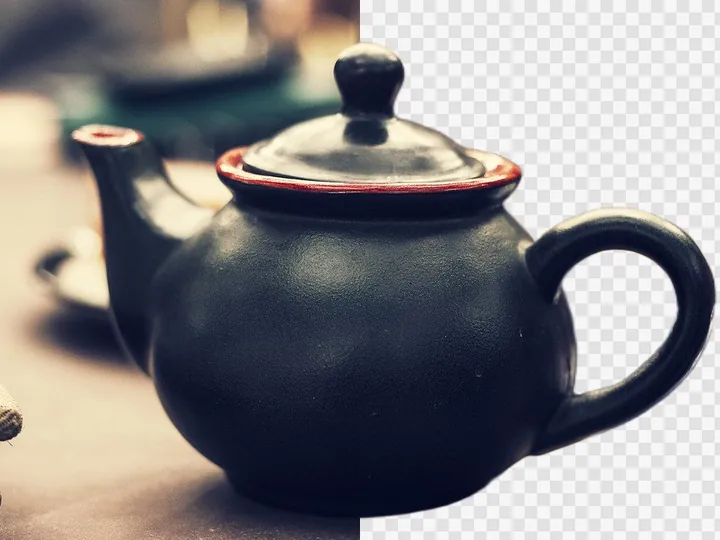
Remove background from image — free, full resolution, in your browser
Drop a photo. The cutout is computed on your device, so the image never leaves it.
- Model
- birefnet-lite-512
- First download
- 94 MB–183 MB
- Runs on
- WebGPU / CPU
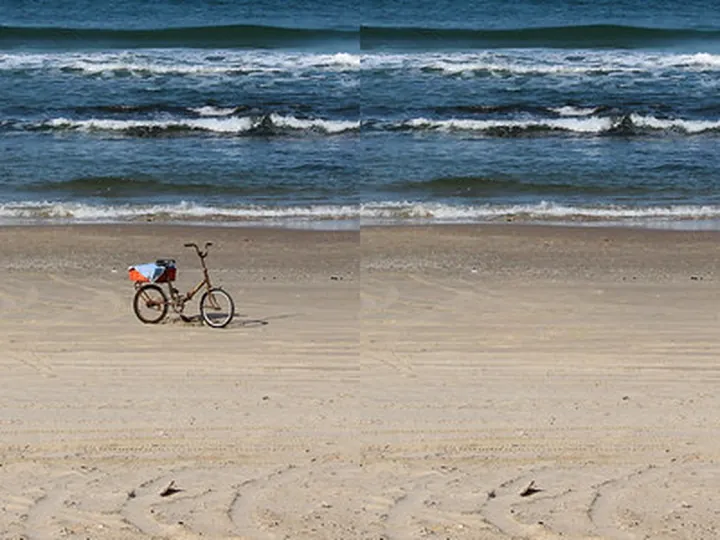
Remove objects from photos
Paint over what you want gone. The model fills the hole with whatever should have been behind it — and it does that on your own machine, so the photo never leaves your device.
- Model
- lama
- First download
- 59 MB–102 MB
- Runs on
- WebGPU / CPU
Remove text from an image
Drop a photo, screenshot or poster. A text detector finds every caption, subtitle and label; you untick what to keep, and an inpainting model repaints the rest — all in your browser.
- Model
- lama
- First download
- 59 MB–102 MB
- Runs on
- WebGPU / CPU
Upscale an image 4x
Drop in a picture that is too small. It is enlarged on your own device by a super-resolution model — the file never leaves the browser tab, and nothing is stamped on the result.
- Model
- realesr-general-x4v3-onnx
- First download
- 5 MB
- Runs on
- WebGPU / CPU
Unblur an image
Drop in a photo that came out shaky. A deblurring model downloads once and then runs on your own machine — the picture never leaves this tab.
- Model
- image_restoration
- First download
- 263 MB
- Runs on
- WebGPU / CPU
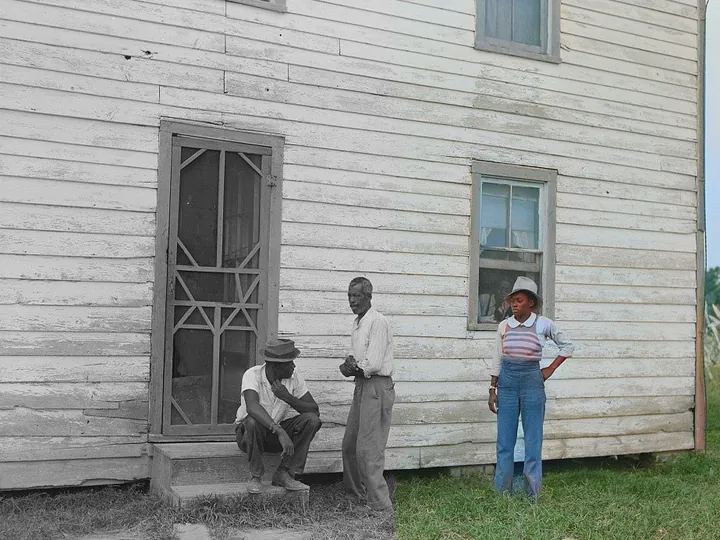
Colorize a black and white photo
Drop a scan in. The colors are predicted on your own computer — the file never leaves this page — and painted onto the original at full resolution.
- Model
- ddcolor
- First download
- 129 MB
- Runs on
- CPU
Passport photo maker
Drop in a selfie. The crop, the white background and the 4×6 print sheet are worked out on your own device — the photo never leaves this tab.
- Model
- modnet
- First download
- 13 MB–25 MB
- Runs on
- WebGPU / CPU
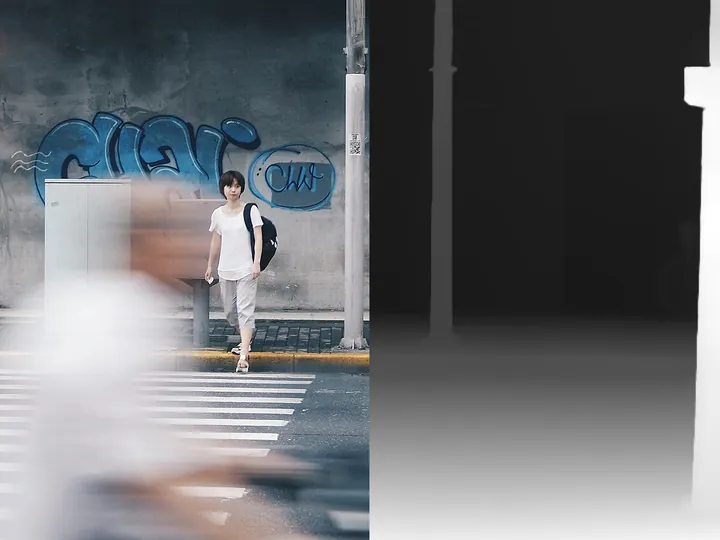
Depth map from a photo
Drop in a photo and get a depth map back in seconds. Depth Anything V2 runs inside this tab — the picture never leaves your machine.
- Model
- depth-anything-v2-small
- First download
- 26 MB–94 MB
- Runs on
- WebGPU / CPU
Describe an image with AI
Drop a picture. A vision model on your device writes the description — the file never leaves this tab.
- Model
- SmolVLM-256M-Instruct
- First download
- 194 MB–251 MB
- Runs on
- WebGPU / CPU
Audio and video7
Remove vocals from a song — a free vocal remover that runs in your browser
Drop a take in. Vocals and instrumental are pulled apart on this machine — nothing is uploaded, nothing waits in a queue.
- Model
- all_public_uvr_models
- First download
- 64 MB
- Runs on
- WebGPU / CPU
Transcribe audio to text
Drop an audio file and get a timestamped transcript. Whisper runs inside this tab — the recording never leaves your computer, and there is no account, queue, or monthly minute count.
- Model
- whisper-base
- First download
- 197 MB–278 MB
- Runs on
- WebGPU / CPU
Text to speech that runs in your browser
Paste a script, pick one of 28 English voices, download the audio. Kokoro runs on your own machine, so the text is never uploaded and there is nothing to sign up for.
- Model
- Kokoro-82M-v1.0-ONNX
- First download
- 291 MB–310 MB
- Runs on
- WebGPU / CPU
AI music detector — check a song without uploading it
Drop a track. The frequency fingerprint is computed on your device; the audio never leaves it.
- Model
- ai-music-detector
- First download
- 0 MB
- Runs on
- CPU
Remove background from video — free, with sound, in your browser
Drop a clip. Every frame is processed on your device, and the audio comes along with it.
- Model
- modnet
- First download
- 12 MB–25 MB
- Runs on
- WebGPU / CPU
Find your vocal range
Sing two notes or drop a recording; a neural pitch model on your device names your range and voice type.
- Model
- crepe-onnx
- First download
- 2 MB–87 MB
- Runs on
- WebGPU / CPU
Find the BPM of a song
Drop a track. Get its tempo, beats, downbeats and time signature — analysed by a neural beat tracker right in your browser, nothing uploaded.
- Model
- beat-this-onnx
- First download
- 115 MB
- Runs on
- WebGPU / CPU
Text and documents5
Extract text from an image
Paste a screenshot or drop a photo. The characters are read on your own machine, so the picture never leaves this tab.
- Model
- PP-OCRv5_mobile_rec_onnx
- First download
- 16 MB
- Runs on
- WebGPU / CPU
Flatten a photo of a document
Photograph a page, even a curved one. The flattening runs on your device; the file never uploads.
- Model
- UVDoc_onnx
- First download
- 30 MB
- Runs on
- WebGPU / CPU
Extract a table from an image
Screenshot or photo of a table → editable cells, merged cells kept, Excel / CSV / Markdown out.
- Model
- table-transformer-structure-recognition-v1.1-all-onnx
- First download
- 111 MB
- Runs on
- WebGPU / CPU
Convert an image of an equation to LaTeX
Paste a screenshot of a formula, get editable LaTeX and MathML — free, unlimited, on your device.
- Model
- pix2text-mfr-1.5
- First download
- 114 MB
- Runs on
- WebGPU / CPU
Redact personal information in text
Paste a transcript, an email or a support ticket. Names, phone numbers, addresses and more are found and masked on this device — the text never leaves your browser.
- Model
- gliner_multi_pii-v1
- First download
- 568 MB
- Runs on
- WebGPU / CPU
Why in the browser
Your files stay put
There is no upload step. Open your browser's network panel and check for yourself: once the model has been fetched, nothing leaves the tab.
No account, no queue, no quota
Nothing to sign up for. The work runs on your hardware, so there is no server capacity to ration out.
Keeps working offline once loaded
Model weights are cached by your browser, so the second visit is ready in a second or two. Once a model has loaded you can disconnect and keep working in the same tab.
How it works
Every tool pairs one page with one open-source model converted to ONNX. It runs on WebGPU where your browser supports it and falls back to multi-threaded WebAssembly everywhere else. Which model, how large, and under which licence is written on each tool page.
How it works, with measured speeds → See every model and licence →